


Description
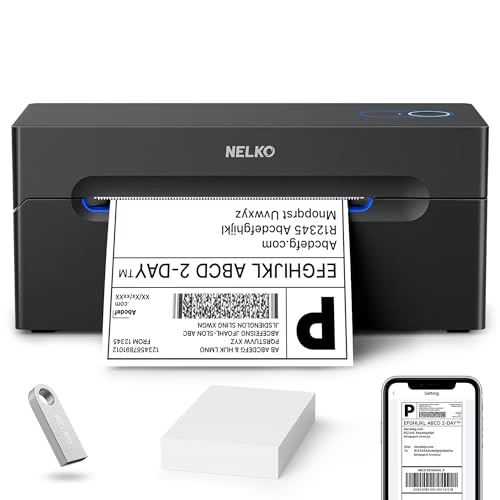
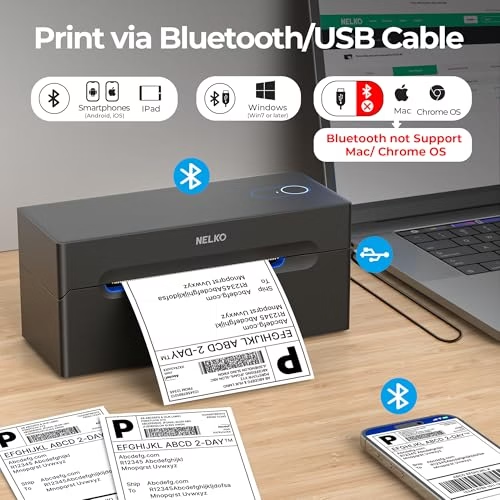
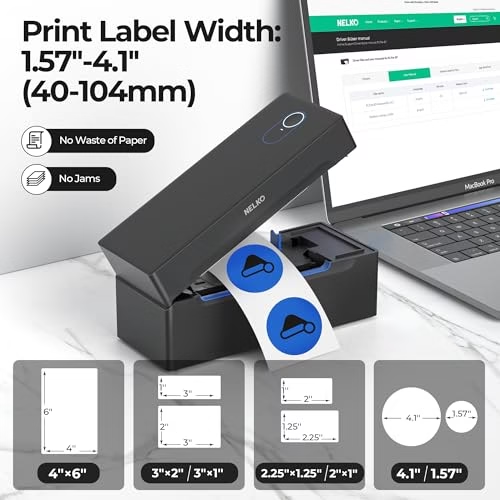
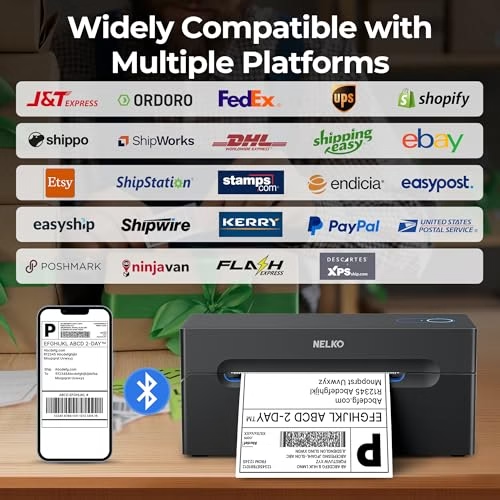
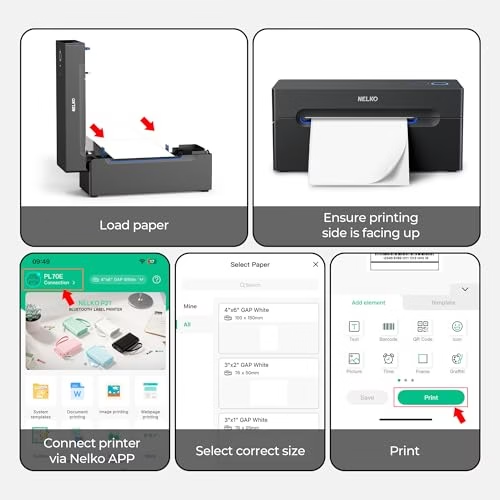
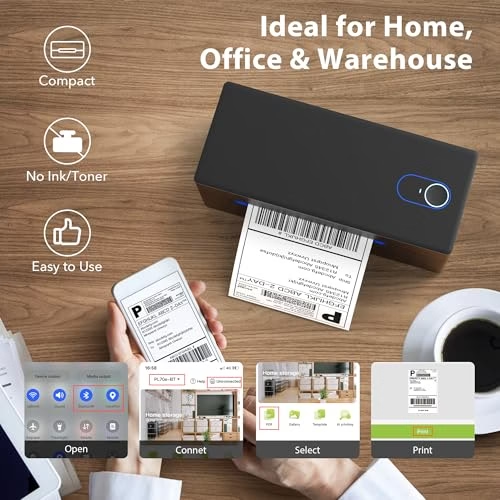
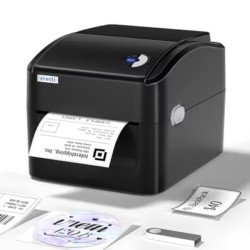
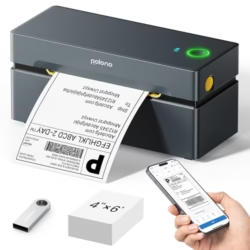
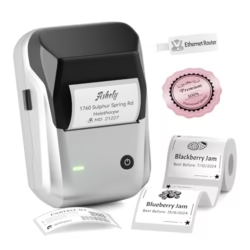
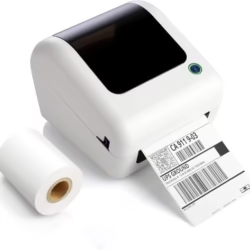
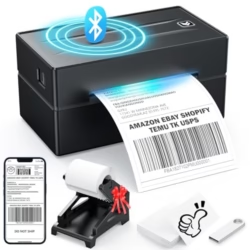
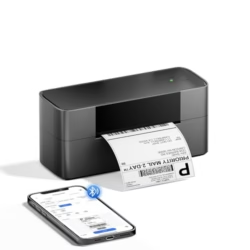
Go Wireless with Bluetooth: Connect your Nelko Bluetooth thermal label printer to iOS and Android devices via the “NELKO” app. Windows 7 or later users can also print wirelessly via Bluetooth. For Mac users with M1 or M2 CPUs, install the app and connect via Bluetooth. Note: All devices must connect through the app and cannot pair directly via Bluetooth settings Print via USB: Easily connect the desktop thermal label printer to Windows (7 and later) and Mac OS using a USB cable. Note: Mac OS supports USB connection only and does not support Bluetooth printing Cost-Effective Efficiency: With advanced thermal direct technology, this shipping label printer delivers a fast printing speed of 150 mm/s, producing up to 72 sheets of 4×6 labels per minute. High-speed printing boosts productivity! The 203 DPI resolution ensures clear prints. No ink or toner needed—only thermal labels. Supports fanfold and roll labels, with widths from 1.54″ to 4.1″ (40-104 mm), including 4×6, 3×2, 3×1, and 2×1 thermal labels Wide Platform Support: This Bluetooth shipping label printer works with major platforms like Amazon, eBay, Shopify, USPS, UPS, Etsy, ShipStation, Shippo, etc. Pro Tip: Save your logistics label as a PDF on the platform, then upload it to the “NELKO” app for printing Ideal for Commercial and Home Use: The Nelko PL70E thermal label printer includes a U-Disk with drivers, instructional videos, and troubleshooting guides for easy setup. Compact and space-saving, it’s good for printing shipping labels, mailing labels, price tags, barcode labels, name tags, and more


 The Marketplace Economy in 2026: Why Cost Structure Is Becoming the Real Competitive Battleground
  From Fitness Supplement to a Pillar of Modern Nutrition: The New Role of Protein
Reviews
There are no reviews yet